Application Module
Overview
app.py is the main Streamlit application module for Donger. It provides the application shell,
initializes runtime state, renders the user interface, and routes user actions to Gemini provider
wrappers and local data workflows.
Responsibilities
| Area | Responsibility |
|---|---|
| Application Shell | Renders the Donger Streamlit interface and coordinates the active application mode. |
| Session State | Maintains runtime values for models, prompts, files, images, audio, embeddings, documents, and data-management workflows. |
| Text Workflows | Sends user prompts, system instructions, grounding options, and generation settings to Gemini text-generation workflows. |
| Image Workflows | Supports image generation, image analysis, and image editing from the Streamlit interface. |
| Audio Workflows | Supports transcription, translation, browser audio input, uploaded audio processing, and text-to-speech. |
| Document Q&A | Extracts document text, chunks content, builds embeddings, retrieves relevant context, and submits grounded questions to the model. |
| Embeddings | Normalizes input text, creates chunks, counts tokens, generates vector embeddings, and displays vector output. |
| Files | Provides application controls for Gemini file upload and file metadata workflows. |
| File Search Stores | Provides workflows for creating, retrieving, deleting, and uploading files to Gemini file-search stores. |
| Google Cloud Buckets | Provides workflows for cloud bucket creation, retrieval, deletion, and file upload. |
| Prompt Engineering | Manages reusable prompt records stored in the local SQLite database. |
| Data Export | Exports prompt, instruction, and local data assets where configured. |
| Data Management | Imports, browses, filters, aggregates, visualizes, administers, and queries SQLite-backed data. |
| Error Handling | Uses the project logging pattern through boogr.Error and boogr.Logger. |
Application Flow
- Donger initializes required Streamlit UI session-state values.
- The sidebar captures provider credentials, model selections, mode selections, and runtime settings.
- The active mode determines which interface controls are rendered.
- User input is validated and normalized.
- The selected Gemini wrapper class performs the requested provider operation.
- Results are rendered in the Streamlit interface.
- Local state, chat history, prompt records, embeddings, and imported data are persisted when required.
Related API Pages
| Page | Purpose |
|---|---|
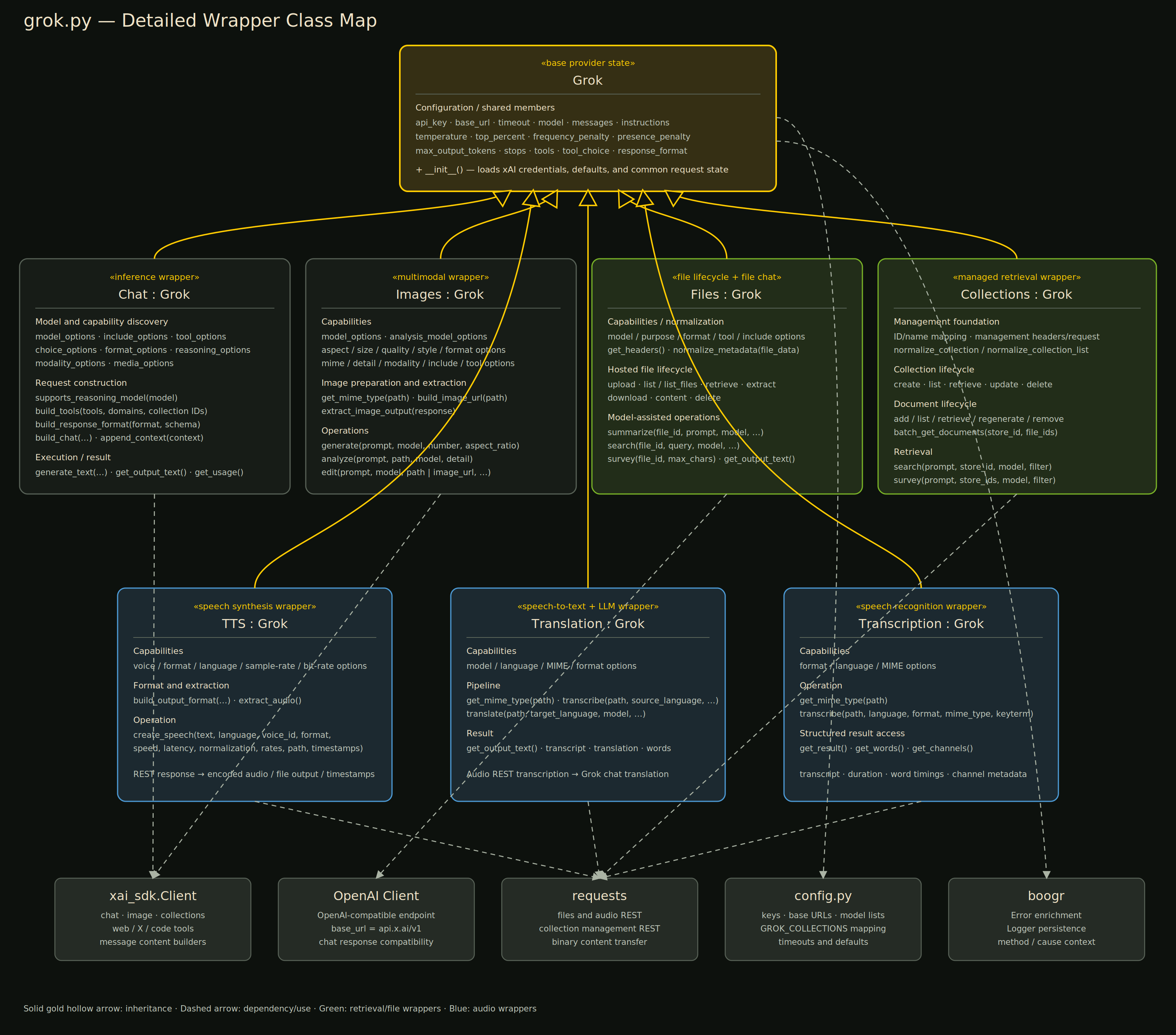
grok.md |
Generated API documentation for reusable Gemini provider wrapper classes. |
config.md |
Generated API documentation for configuration constants and runtime defaults. |
Documentation Scope
This page intentionally documents app.py at the application level. Reusable provider classes and
configuration objects are documented in their dedicated API pages.